The installer registers the add-in once. From then on it is part of the ribbon in both Excel and Word — nothing runs in the background.
Any workbook or document, new or existing. If Excel was open during the install, close it fully and open it again.
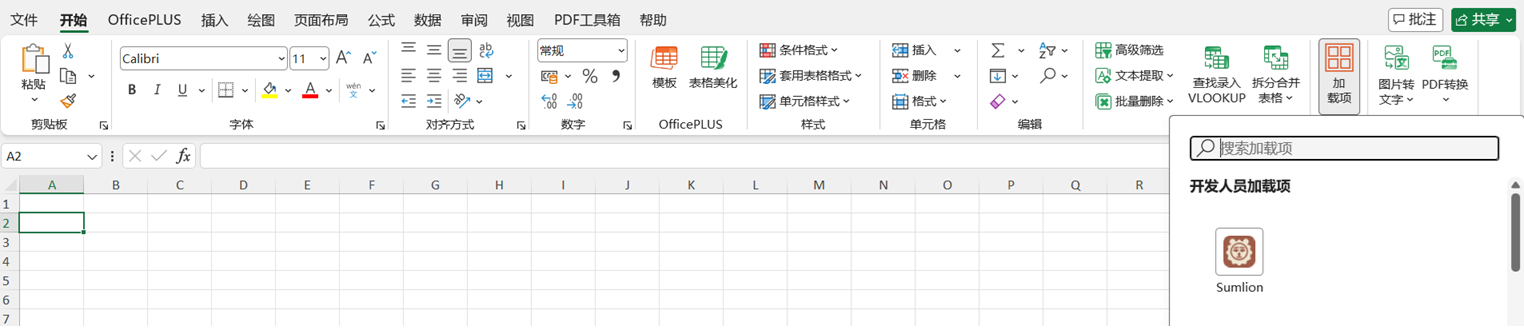
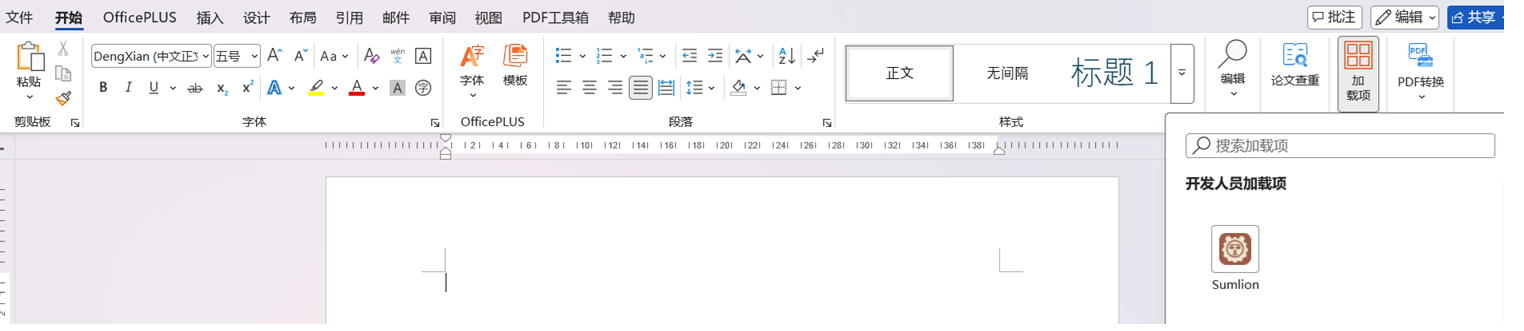
In the panel that opens, Sumlion is listed under Developer Add-ins. Click its icon and the pane opens on the right side of the window. It is in the same place in Excel and Word.
Close every Excel and Word window, open one again, and check Home → Add-ins once more. If it is still missing, run the installer again — it is safe to repeat — or use the green install guide to add it by hand.
← All downloads